Virtual Staging for Real Estate Agents: A Complete Guide
A complete virtual staging guide for real estate agents: when to use it, a step-by-step listing workflow, MLS disclosure rules, which styles sell, and how to market staged photos to close faster.
Room Reveal Team
June 26, 2026
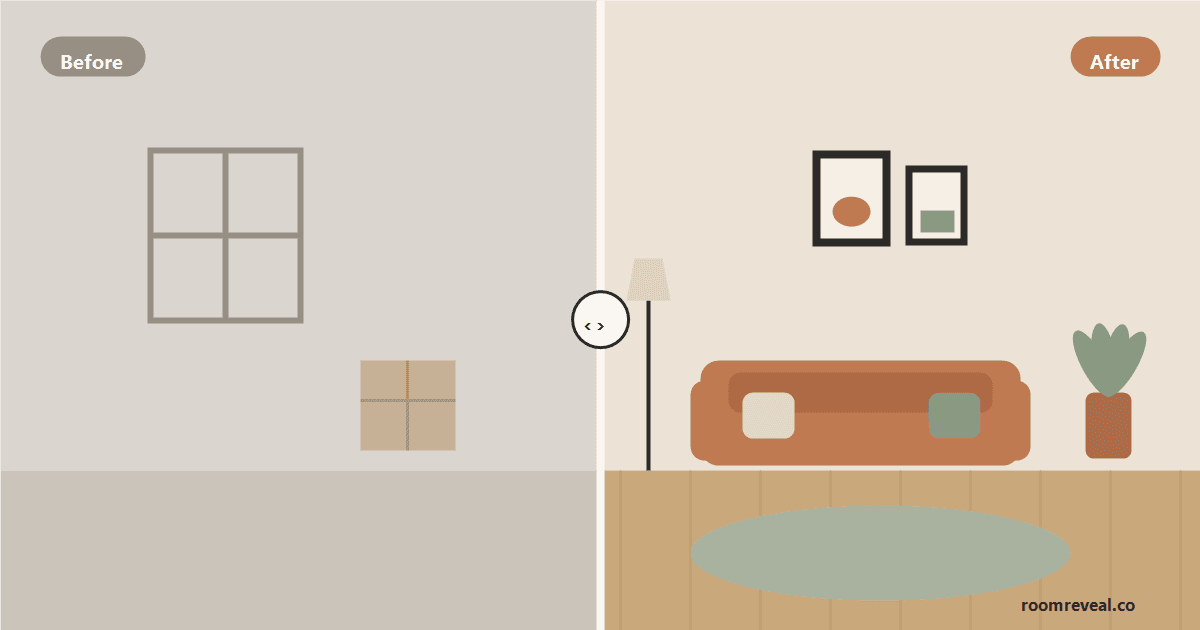
Empty rooms are a hard sell. Buyers struggle to judge scale, picture their furniture, or feel any emotional pull in a bare space, and listing photos of vacant rooms scroll past without stopping a thumb. Staging fixes that -- it gives a room purpose, shows off its proportions, and tells a lifestyle story -- but physical staging is expensive, slow, and impractical for occupied or remote listings. Virtual staging solves the same problem digitally, and for agents it has become one of the highest-leverage tools in the listing toolkit. This guide is written for real estate professionals: when virtual staging makes sense, a repeatable listing workflow, how to disclose it correctly, which styles actually sell, and how to turn staged photos into faster offers.
Why Virtual Staging Belongs in Every Agent's Toolkit
The case for staging is well established. Industry surveys from the National Association of Realtors have long found that staged homes tend to sell faster and that buyers' agents believe staging makes it easier for clients to visualize a property as their future home. The problem has never been whether staging works -- it's the cost and logistics. Physical staging routinely runs $2,000-5,000 per room over a multi-month listing, requires scheduling and delivery, and locks you into a single look.
Virtual staging delivers the same visual payoff -- furnished, photographed-looking rooms -- at a fraction of the cost and turnaround. For an agent, that changes the math on every listing: you can stage a vacant flip, a tenant-occupied condo, or an out-of-state inheritance sale without moving a single piece of furniture. You can stage every room instead of just the living room. And you can do it in the window between getting listing photos back and going live on the MLS, rather than waiting on a staging company. The point isn't to deceive anyone -- it's to help buyers see a space at its potential so more of them book a showing.
Physical vs. Virtual Staging: When to Use Each
These aren't mutually exclusive -- smart agents use both. Reach for physical staging when a home is in a high price bracket where in-person showings need to feel impeccable, when a vacant home echoes and feels cold in person, or when the layout is genuinely confusing and furniture helps buyers walk it. Physical staging wins the in-person experience.
Reach for virtual staging when the priority is the online listing -- which is where the overwhelming majority of buyers start. It's the right tool for occupied homes you can't physically stage, for budget-conscious or vacant listings, for showing the same room in two or three different styles to appeal to a wider buyer pool, and for re-staging mid-listing if the first look isn't getting traction. Many agents physically stage the main living area and virtually stage the secondary bedrooms, the bonus room, and the home office to round out the photo set affordably.
A Step-by-Step Virtual Staging Workflow
1. Shoot clean, well-lit empty photos
Good input is everything. Photograph each room straight-on or from a corner that shows the most floor area, at chest height, with blinds open and lights on. Tidy first -- remove trash, cords, and clutter, and pull window coverings open for natural light. Late morning or golden-hour light gives the warmest, most flattering base image. The cleaner and brighter the original photo, the more convincing the staged result.
2. Match the style to the home and the buyer
Don't default to one look. Choose a style that fits the architecture and the likely buyer for that price point and neighborhood (more on this below). When in doubt, broadly appealing styles like transitional and modern convert the widest audience.
3. Stage the rooms that matter
Prioritize the spaces buyers care about most: the living room, primary bedroom, and kitchen, then dining, secondary bedrooms, and a home office or flex room. An empty room left unstaged next to beautifully staged ones looks like an afterthought, so aim for a complete, consistent set.
4. Keep it realistic and to-scale
Resist the urge to cram in furniture. Use appropriately sized pieces, leave walking paths, and don't hide flaws -- staging should flatter the room, not misrepresent it. Buyers who feel tricked at a showing walk away, so the staged photo should set accurate expectations.
5. Review, refine, and export
Check each image for proportion and consistency across the set -- the same design language should carry from room to room so the home reads as one cohesive property. Re-generate anything that looks off before it goes live.
Disclosure and MLS Rules: Do It Right
This is the part agents cannot get wrong. Virtually staged photos must be disclosed -- most MLS systems require it, and it protects you legally and reputationally. The standards are straightforward: label staged images clearly (a simple "Virtually staged" watermark or caption is the norm), never use virtual staging to hide or remove defects, damage, or permanent features, and be ready to show buyers the empty original. A widely respected best practice is to include both the empty and the staged version of at least the key rooms, so buyers see the real space and its potential side by side. Check your local MLS and state real estate commission guidance, since exact wording rules vary -- but the governing principle is universal: stage to illustrate potential, never to deceive. Transparency builds trust and keeps deals from falling apart at the showing.
Choosing Styles That Sell for Your Market
Style selection is a marketing decision, not a personal-taste one. The goal is to help the largest possible slice of likely buyers picture themselves living there. A few rules of thumb:
- Lead with broad-appeal neutrals. Transitional and modern looks read as clean, current, and inoffensive to the widest audience -- a safe default for most listings.
- Match the home and the neighborhood. Coastal staging suits beach-market condos; farmhouse resonates in suburban and rural areas; a sleek modern or industrial look fits an urban loft. Staging that fights the architecture feels off.
- Stage to the price point. Entry-level homes benefit from warm, aspirational-but-attainable looks; higher-end listings can carry more elevated, designed staging.
- Offer two looks when the buyer pool is split. Showing a flex room as both a nursery and a home office, or a living room in two palettes, lets different buyers self-select.
Marketing the Staged Photos
Staged images are content -- use them everywhere. Lead your MLS listing with the strongest staged hero shot. Build before/after sliders for the listing page and social posts; the transformation is inherently engaging and shareable. Use the staged set in your email blasts to your buyer list, in just-listed postcards, and in short-form video walkthroughs. Because re-staging is cheap and fast, you can also refresh a stale listing's photos after a few weeks without a price drop, giving the listing a second debut in buyers' feeds.
Common Mistakes Agents Make
The biggest mistake is over-staging -- packing rooms with oversized or excessive furniture that misrepresents scale and disappoints at the showing. Close behind is skipping disclosure, which erodes trust and can create liability. Other frequent missteps: staging over real defects (a stain, a crack, missing flooring) instead of fixing or disclosing them; mixing clashing styles across rooms so the home feels incoherent; using low-quality or poorly lit base photos that no amount of staging can rescue; and staging only one room while the rest sit empty. Avoid these and virtual staging becomes a quiet, reliable edge on every listing.
Stage Your Next Listing in Minutes
Virtual staging gives agents the visual impact of a furnished home without the cost, the wait, or the logistics -- as long as you shoot clean photos, choose buyer-right styles, keep it realistic, and disclose it properly. To put it to work, upload a listing photo and preview it staged with Room Reveal, then compare looks until you land the one that fits the home and the market. For style direction by room, browse our transitional living room ideas and modern bedroom ideas, both broad-appeal choices for listings. And for the seller-facing version of this playbook, see our guide to virtually staging your home for sale.
Ready to transform your room?
Upload a photo and see it redesigned in any of our 12 styles.
Try Room RevealLooking for inspiration? Browse style-by-room ideas with tips, palettes, and looks to try in your own space.
Explore room ideas