AI Virtual Staging Before and After: What It Can (and Can't) Do
An honest before-and-after look at AI virtual staging -- what it does brilliantly, where it falls short, and how to use it without overpromising on a listing.
Room Reveal Team
June 24, 2026
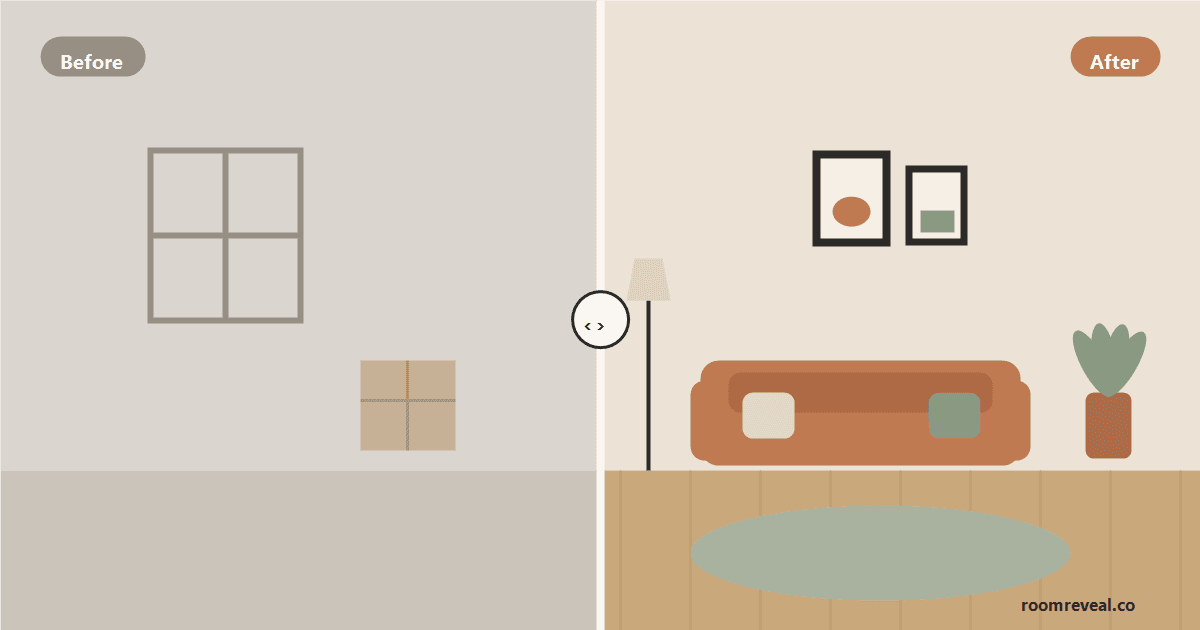
"Before and after" is the whole promise of virtual staging. You start with an empty, dim, or dated room and end with a warm, furnished, move-in-ready version of the same space -- without renting a stick of furniture. AI has made that transformation faster and cheaper than anyone expected even a couple of years ago. But the honest version of the story has two halves: there's what AI virtual staging does genuinely well, and there's a real set of things it can't do, shouldn't be asked to do, or will quietly get wrong if you're not paying attention.
This guide walks through both, so you can use the before-and-after with confidence -- to plan, to present, and to sell -- without overpromising or misleading anyone. We build a visualization tool, so we'd rather you understand its limits than be surprised by them.
What "Before and After" Actually Means Here
Traditional virtual staging means a human editor manually drops furniture images into a photo of your room. AI virtual staging compresses that into seconds: you upload a photo of the real room, choose a style, and Room Reveal's AI generates a furnished, restyled version of that same space. The "before" is your actual room; the "after" is a photo-realistic preview of what it could look like. The gap between those two images is exactly where the value -- and the limitations -- live.
What AI Virtual Staging Does Well
1. Filling and furnishing empty rooms
This is the strongest use case by far. An empty room is hard for buyers to read -- they can't tell whether a real sofa fits or how the space is meant to be used. AI staging fills it with appropriately scaled furniture, gives the room an obvious purpose, and lets buyers picture living there. For a vacant listing, the before-and-after is dramatic and overwhelmingly positive.
2. Showing one room in many styles, instantly
Where physical staging commits you to a single look, AI lets you see the same room as modern, transitional, coastal, farmhouse, and more in the time it takes to read this sentence. That's invaluable for matching the staging to your buyer pool, or for a homeowner deciding which direction to commit to before spending real money.
3. Restyling without touching the room
You can preview a fresh paint color, a lighter palette, or a completely different furniture layout on a room you already own -- no painting, no moving, no buying. As a planning tool, this is where AI shines: it turns "I think this might work" into an image you can actually react to.
4. Speed and cost at listing scale
The practical win is volume. Staging every room of a listing -- including the secondary spaces people usually skip -- becomes realistic when each preview takes seconds rather than days. A complete, consistently styled set of before-and-afters tells a far better lifestyle story than two hero shots and a row of empty rooms.
What AI Virtual Staging Can't (or Shouldn't) Do
1. It can't fix the actual house
This is the most important limit. A virtual stage changes the image, not the room. It won't clean a dirty space, repair a cracked wall, hide water damage, or fix bad lighting in real life. If anything, a polished after-image raises buyers' expectations, so the real room has to be cleaned, decluttered, and repaired to meet them. Virtual staging is the preview; the in-person work still has to happen.
2. It must never be used to misrepresent a property
The before-and-after should show a room's genuine potential -- not invent space, remove permanent flaws, or imply features that aren't there. Don't erase a support column, conjure a window, or stage a room at a scale the real space can't hold. Beyond the ethics, most MLS rules require that virtually staged photos be clearly disclosed as such. Always label a staged image, and keep the original "before" available so buyers can see the real, unfurnished room. Honesty isn't just compliance here; a buyer who feels misled at the showing is a lost sale.
3. It can struggle with tricky details
AI works from a 2D photo, so it can occasionally misjudge depth, scale, or perspective -- a rug that doesn't quite sit flat, a reflection that doesn't fully add up, a piece of furniture that fights the room's true proportions. Awkward angles, very cluttered "before" photos, and unusual architectural features are the usual culprits. The fix is simple: start with a clean, straight, well-lit photo, and review every result with a critical eye before you publish it.
4. It isn't a designer or a contractor
A generated image can show you a beautiful idea, but it won't tell you whether your floor can take that tile, what the renovation costs, or how to source the exact pieces. Treat the after-image as a strong starting point for a conversation with a real professional -- not as a construction plan or a guarantee of the finished result.
How to Get the Most Honest, Useful Before-and-After
- Start with a real, clean photo. Declutter and shoot in good light. A truthful, tidy "before" produces a believable "after."
- Stage to the real room's proportions. Pick a look that suits the actual space rather than one that only works if the room were bigger.
- Always disclose virtual staging and keep the original photo available alongside the styled one.
- Use it to decide, then do the real work. Let the preview tell you which palette or layout to commit to -- then clean, repair, and style the genuine room to match.
- Review before you publish. Check scale, perspective, and small details; regenerate anything that looks off.
The Honest Bottom Line
AI virtual staging is a genuinely powerful before-and-after tool: it furnishes empty rooms, previews styles and palettes instantly, and makes whole-listing presentation affordable. What it isn't is a substitute for cleaning, repairs, real design decisions, or honesty with buyers. Used the right way -- as a fast, low-risk way to see a room's potential and decide where to invest -- it earns its place in both a homeowner's and an agent's toolkit. Used to misrepresent a property, it backfires the moment someone walks through the door.
Want to see your own before-and-after? Upload a photo of the room you actually have and preview it restyled with Room Reveal. For style inspiration before you start, browse broadly appealing looks like transitional living room ideas or modern living room ideas -- the kind of move-in-ready palettes that help a space show its best. And if you're staging to sell, pair this with our guide to virtually staging your home for sale.
Ready to transform your room?
Upload a photo and see it redesigned in any of our 12 styles.
Try Room RevealLooking for inspiration? Browse style-by-room ideas with tips, palettes, and looks to try in your own space.
Explore room ideas